FAQ
ORA to DGN Conversion
What are ORA files?
ORA, or "OpenRaster", is an open file format for exchanging layered raster images between graphics applications. It was created by the free-software graphics community, with contributors from projects such as Krita, GIMP and MyPaint, as a simple and well-documented alternative to proprietary layered formats like PSD. An ORA file is a ZIP archive that stores every layer as a separate PNG image, together with an XML file describing the layer stack, a flattened preview of the whole picture and a thumbnail. The format preserves layer names, positions, opacity, visibility, blend modes and layer groups, so an image can be reopened and edited in another program without losing its structure.
What are DGN files?
DGN stands for "design" and represents an extension typically used for CAD (Computer Aided Design) files created with Bentley Systems' MicroStation or with IGDS (Intergraph's Interactive Graphics Design System) — two popular programs used by architects, engineers, constructors and designers. DGN files can include sizeable building projects with a rich amount of details, usually have a very large size and can be viewed with a limited number of CAD programs.
Can reaConverter convert ORA to DGN?
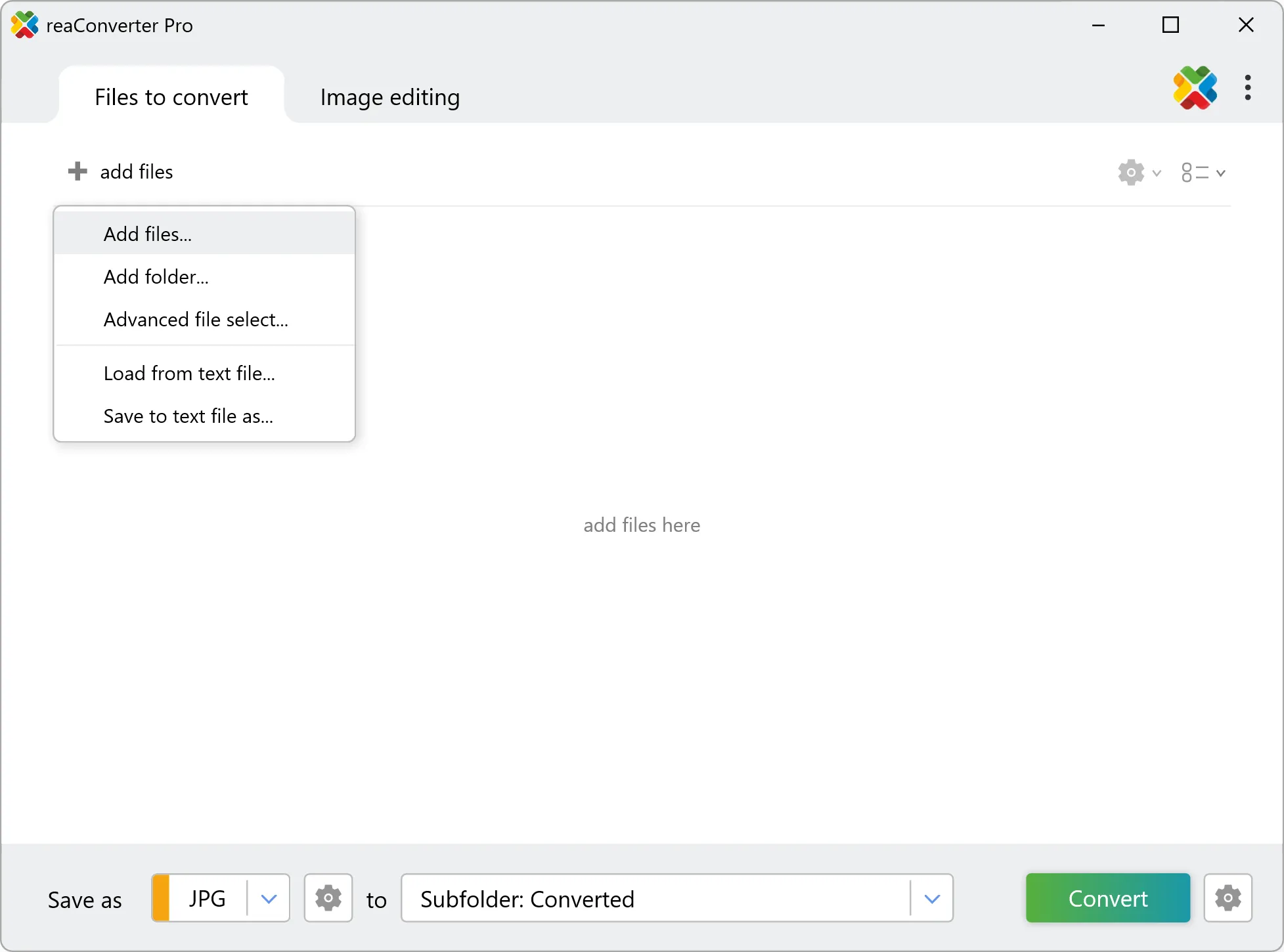
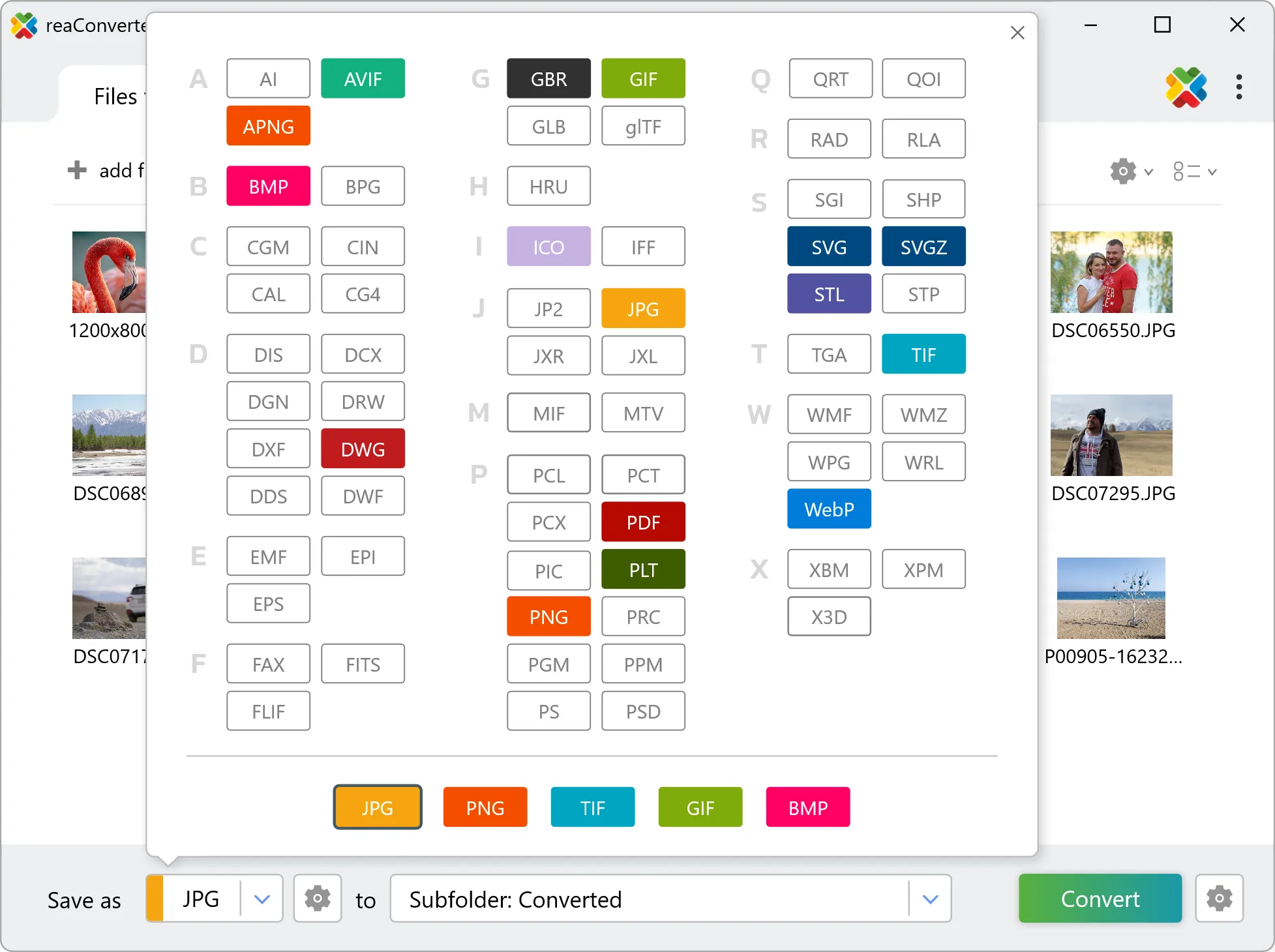
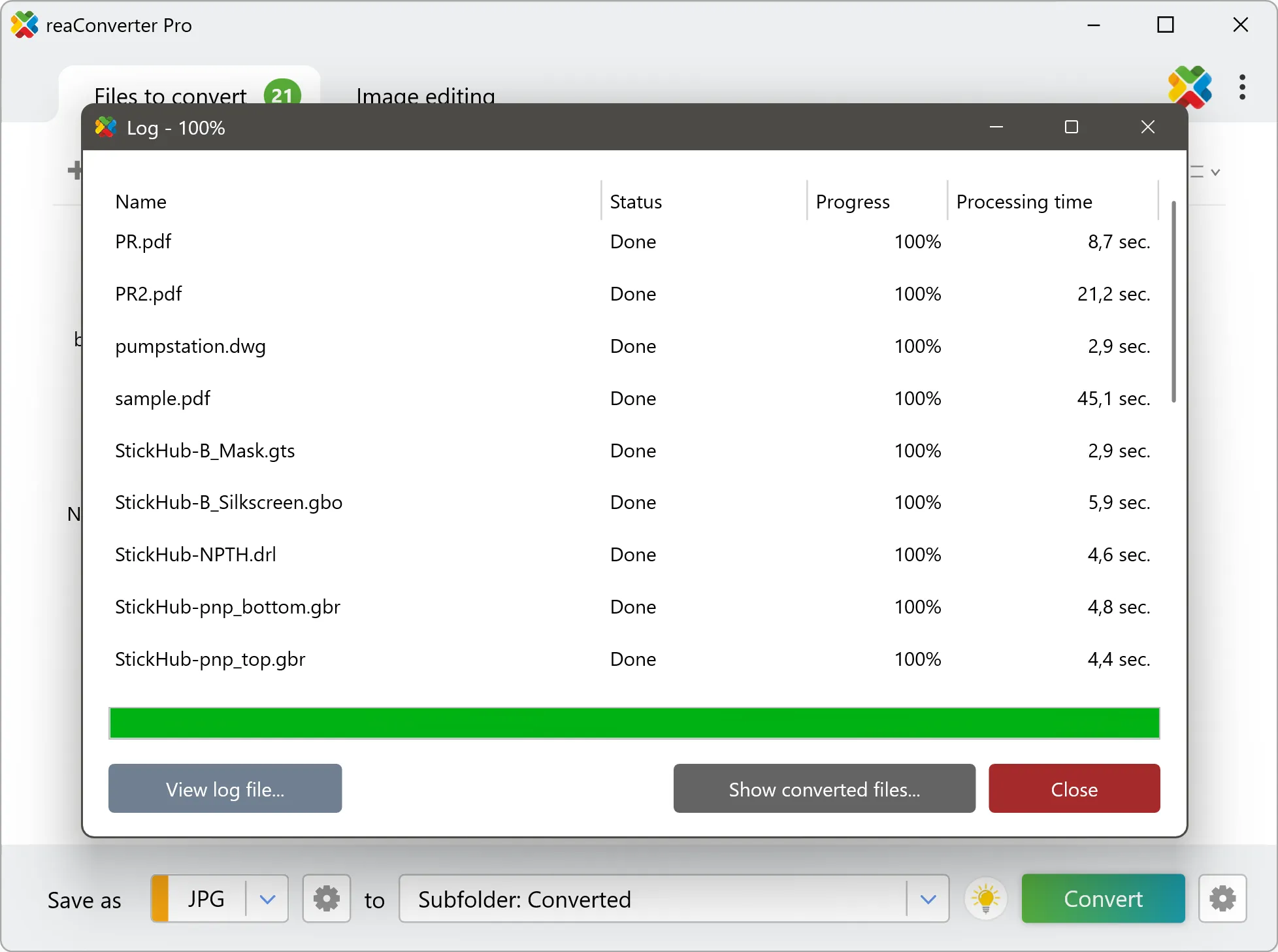
Yes! reaConverter instantly converts .ora to .dgn with perfect quality preservation. With its batch processing feature, you can convert multiple files at once in just a few clicks. You can even convert ORA images directly from Windows Explorer using the right-click menu — fast and convenient.
What is reaConverter used for?
reaConverter is a software program used for converting images and other types of files from one format to another. It supports a wide range of file formats and allows users to convert multiple files at once, making it a valuable tool for graphic designers, photographers, and other professionals who work with digital images. reaConverter also includes features for resizing, cropping, and editing images, along with batch processing capabilities that help automate repetitive tasks.
Can I convert ORA to DGN online?
If you only need to convert a few ORA files to DGN format, feel free to try our free online free online ORA to DGN converter — perfect for small batches with no installation needed!
How can I turn ORA files into DGN on my computer?
The best way to change ORAs to DGNs on your PC is to install a quality piece of software, such as reaConverter. This software is extremely efficient in managing a wide range of batch files conversions, including conversion from ORA to DGN.
How can I automate ORA to DGN files conversion?
reaConverter supports all the most useful automation features such as right-click сonversion and Watch Folders for the most efficient automated files conversion in any software of this type.
Is there a way to convert ORA files to DGN using the command prompt?
reaConverter provides full access to all its features via Windows command line, including a high-performance command-line ora to dgn converter for batch processing.
What else can I do with reaConverter?
Change format settingsCopy metadata (EXIF, IPTC)Vectorize imagesSet bit depthConvert CAD formats
Related conversions
Other ways to convert ORA files, and other sources that convert to DGN.