PVR → STEP · Windows

Convert PVR to STEP

PVR to STEP with consistent quality. reaConverter handles 3D files in batch, which helps when teams run different software.

Need to convert PVR to STEP? reaConverter handles batch conversion with ease, processing hundreds of files at once while preserving quality. Your files never leave your machine. No third-party servers, no privacy concerns. Manufacturing teams use it to share models across departments.

.pvr.STEP
4.8

Converting files since 2001

Runs offline — nothing uploaded

Read what our users say →

How to Convert Multiple .pvr Images to .step?

1. Download and Install reaConverter

Download reaConverter and install it in seconds. The setup is straightforward — no complex configuration, no extra software required. Need edits? Resize, rotate, or add watermarks during conversion.

2. Load your PVR files

Launch reaConverter and load the PVR files you want to convert. Add a few files or thousands, batch processing handles them all.

Drag-and-drop PVRs directly into reaConverter or use the folder browser to load entire directories.

Load your PVR files into reaConverter

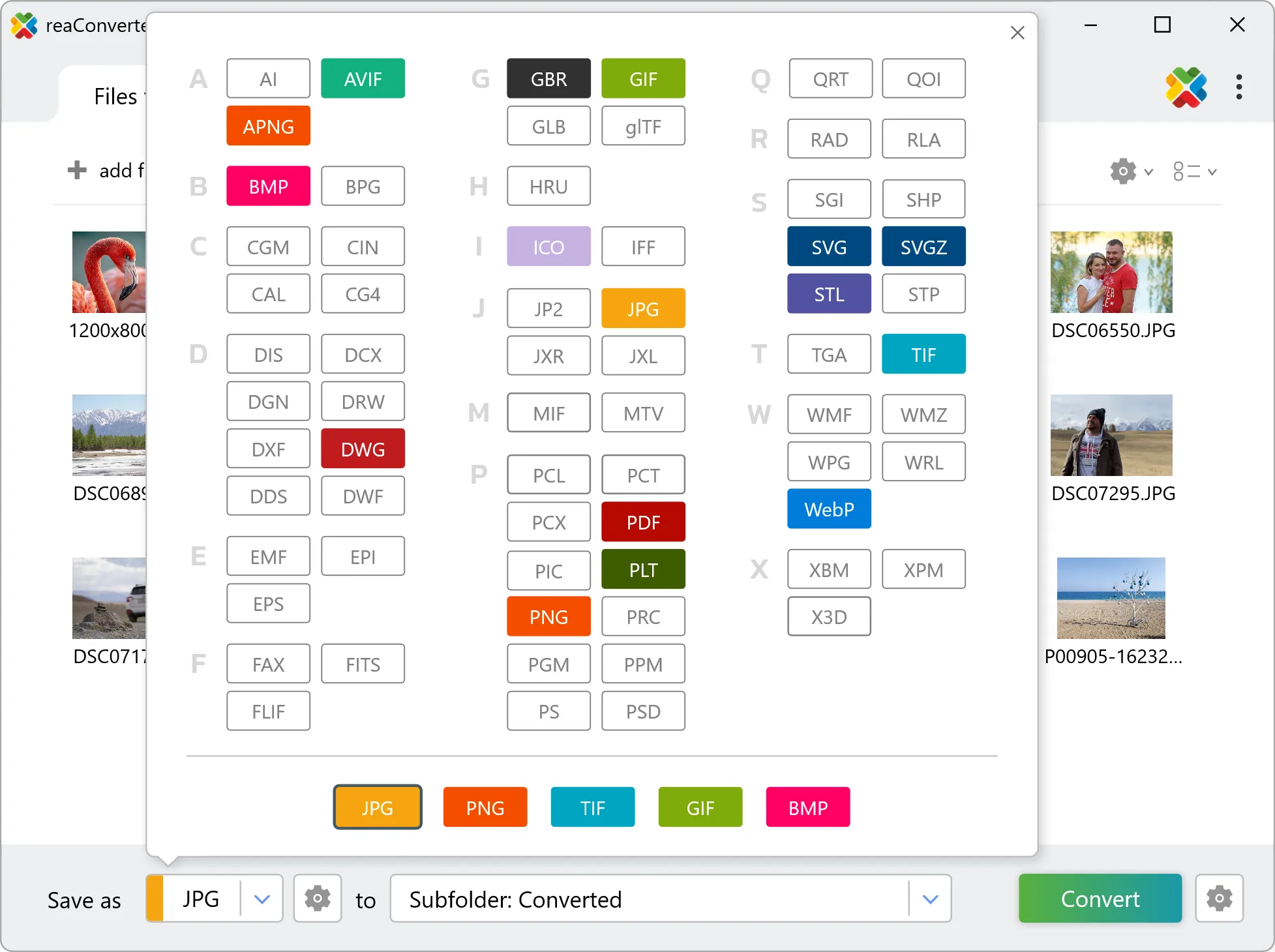
3. Select STEP as output format

Set STEP as output format and select where to save your converted files. Customize quality settings if needed.

Select STEP as output format

4. Start PVR to STEP conversion

Press Convert to begin processing. You can watch the progress or minimize and let it run in the background.

Start Conversion

Your converted STEP files will appear in the destination folder as soon as processing completes.

Step by step

How It Works

reaConverter offers the fastest, simplest solution for converting your PVR files into STEP in seconds - all images processed on your PC for maximum privacy and speed.

3D Workflow

From picture to 3D model

reaConverter traces PVR images into outlines and extrudes them into STEP models, so a logo or a sketch becomes a 3D part in one run.

  • Each image is vectorized first, then extruded to the height you set in millimetres
  • Works best with logos, signs and line art: a photo has no clean outlines to follow
  • Keep unreleased designs and client models on your PC: nothing is uploaded
3D model conversion

User reviews

What people say after the first batch

Average User Rating:4.8
Last updated on November 02, 2026
I needed to convert a batch of STEP files for a client presentation and ReaConverter made it simple. The interface is intuitive, letting me drag, drop, and choose my output format (I used STL) in seconds. The batch processing saved me hours of work. Highly recommended for its reliability and speed.
Alex J.
Alex J.
CAD Designer
reaConverter made converting my STEP files to DXF a breeze! The batch processing feature saved me hours, handling hundreds of files flawlessly in minutes. Its offline mode ensured my CAD data stayed secure, and the intuitive interface was perfect for a non-techie like me. Highly recommend for anyone needing fast, reliable STEP file conversions!
John S.
John S.
Satisfied Customer
reaConverter has been a huge time-saver for our team. We regularly work with CAD models in STEP format, and converting them to images or other file types used to be a hassle. With reaConverter, the process is fast, accurate, and incredibly easy to set up. The batch conversion feature is especially useful when handling large projects. Highly recommended for anyone dealing with STEP files on a regular basis.
Mark T.
Mark T.
Engineer
Your solution was buried deeper in search results than it should be. After struggling with unclear alternatives, I found your guides — finally, instructions that made sense for a first-time user like me. Excellent work!
Richard E. Miller
Richard E. Miller
Satisfied Customer
Converts files in seconds! Finally a tool that's both fast and simple to use.
Wei Chen
Wei Chen
Happy User
I'd been searching for reliable conversion software forever — reaConverter has everything I need! After installing and watching the tutorial, I had my files converted to the perfect format in minutes. Flawless experience!
Sanjay Mehta
Sanjay Mehta
Satisfied Customer

FAQ

PVR to STEP Conversion

Can reaConverter convert PVR to STEP?

Yes! reaConverter instantly converts .pvr to .step with perfect quality preservation. With its batch processing feature, you can convert multiple files at once in just a few clicks. You can even convert PVR images directly from Windows Explorer using the right-click menu — fast and convenient.

What is reaConverter used for?

reaConverter is a Windows converter for 800+ formats, 3D models among them. For PVR to STEP it replaces the round trip through Blender, a CAD program or an upload form: add the files, pick the output format, and the whole batch converts offline. Engineers, 3D printing shops and product teams use it to move models between CAD, printing, web and documentation formats.

Why choose offline conversion with reaConverter?

reaConverter is a software program that is used for offline files conversion. Your proprietary documents never leave your computer – essential for architects, engineers, healthcare and government contractors handling classified projects. Meets GDPR, HIPAA, CCPA, and corporate security policies by ensuring files never cross borders or third-party systems.

Can I convert PVR to STEP online?

If you only need to convert a few PVR files to STEP format, feel free to try our free online free online PVR to STEP converter — perfect for small batches with no installation needed!

How can I turn PVR files into STEP on my computer?

The best way to change PVRs to STEPs on your PC is to install a quality piece of software, such as reaConverter. This software is extremely efficient in managing a wide range of batch files conversions, including conversion from PVR to STEP.

How can I automate PVR to STEP files conversion?

reaConverter supports all the most useful automation features such as right-click сonversion and Watch Folders for the most efficient automated files conversion in any software of this type.

Is there a way to convert PVR files to STEP using the command prompt?

reaConverter provides full access to all its features via Windows command line, including a high-performance command-line pvr to step converter for batch processing.

What else can I do with reaConverter?

Trace images to vectorChange bit depthConvert whole-slide imagesResize photosConvert vector images

Related conversions

Other ways to convert PVR files, and other sources that convert to STEP.
Discover More

Beyond format conversion

Batch conversion, editing, and processing across 800+ formats, from RAW and HEIC to DICOM, DWG, and PDF. Everything runs locally, with no cloud and no upload limits.

Free trial · Windows 10/11 · v8.0.262 · Files never leave your computer

reaConverter software