FAQ
QRP to DRW Conversion
What are QRP files?
QRP is a prepared report file created by QuickReport, a popular reporting component suite for Embarcadero Delphi and C++Builder applications. A file of this type stores a fully rendered, ready-to-print or preview document—such as an invoice, financial statement, receipt, or database summary—preserving its exact pagination, typography, tables, and embedded graphics independently of the original data source. Internally, QuickReport saves each rendered page as a Windows Metafile (WMF or EMF), ensuring crisp vector scaling when viewed or printed. QRP files are commonly generated by legacy and enterprise Windows software to archive reports or share fixed layouts with users.
What are DRW files?
DRW stands for "Drawing" and represents a vector graphics format associated primarily with Corel Draw, but also with other advanced graphics design programs, including Microsoft Picture It!, Paint Shop Pro, Micrografx, Igrafx etc. The DRW format is supported both on Windows and Mac applications (on MacDraw and AppleWorks) and stores images and drawings constructed with lines or paths, instead of dots.
Can reaConverter convert QRP to DRW?
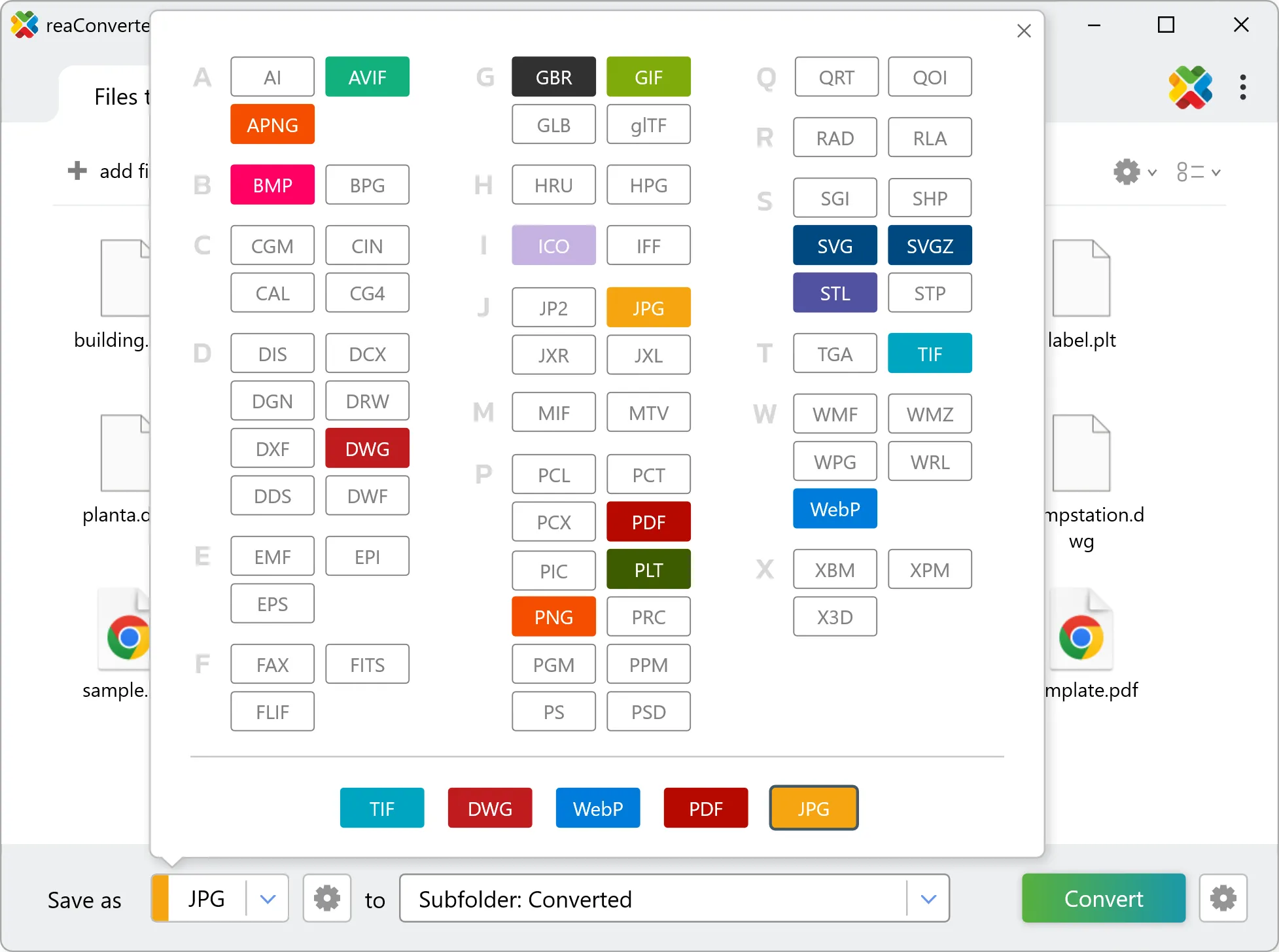
Yes! reaConverter instantly converts .qrp to .drw with perfect quality preservation. With its batch processing feature, you can convert multiple files at once in just a few clicks. You can even convert QRP files directly from Windows Explorer using the right-click menu — fast and convenient.
Can I convert QRP to DRW online?
If you only need to convert a few QRP files to DRW format, feel free to try our free online free online QRP to DRW converter — perfect for small batches with no installation needed!
How can I turn QRP files into DRW on my computer?
The best way to change QRPs to DRWs on your PC is to install a quality piece of software, such as reaConverter. This software is extremely efficient in managing a wide range of batch files conversions, including conversion from QRP to DRW.
How can I automate QRP to DRW files conversion?
reaConverter supports all the most useful automation features such as right-click сonversion and Watch Folders for the most efficient automated files conversion in any software of this type.
Is there a way to convert QRP files to DRW using the command prompt?
reaConverter provides full access to all its features via Windows command line, including a high-performance command-line qrp to drw converter for batch processing.
What else can I do with reaConverter?
Convert medical imagesResize picturesChange format settingsCopy metadata (EXIF, IPTC)Convert CAD formats
Related conversions
Other ways to convert QRP files, and other sources that convert to DRW.