QRP → DXF · Windows

Convert QRP to DXF

QRP to DXF conversion without CAD software. reaConverter processes technical drawings offline with control over output quality.

reaConverter transforms QRP files to DXF quickly and reliably. Drag in folders, set your options, click Convert, done. No cloud accounts, no file uploads, no complicated setup. Just install and start converting. No AutoCAD installation needed. reaConverter handles CAD files independently.

.qrp.DXF
4.8

Converting files since 2001

Runs offline — nothing uploaded

Read what our users say →

How to Convert Multiple .qrp Files to .dxf?

1. Download and Install reaConverter

Install reaConverter to convert QRP without CAD software. Lightweight setup, works independently on any Windows PC.

2. Load your QRP files

Launch reaConverter and load the QRP files you want to convert. Add a few files or thousands, batch processing handles them all.

Browse for files, drag them in, or add entire folders at once. reaConverter queues everything automatically.

Load your QRP files into reaConverter

3. Select DXF as output format

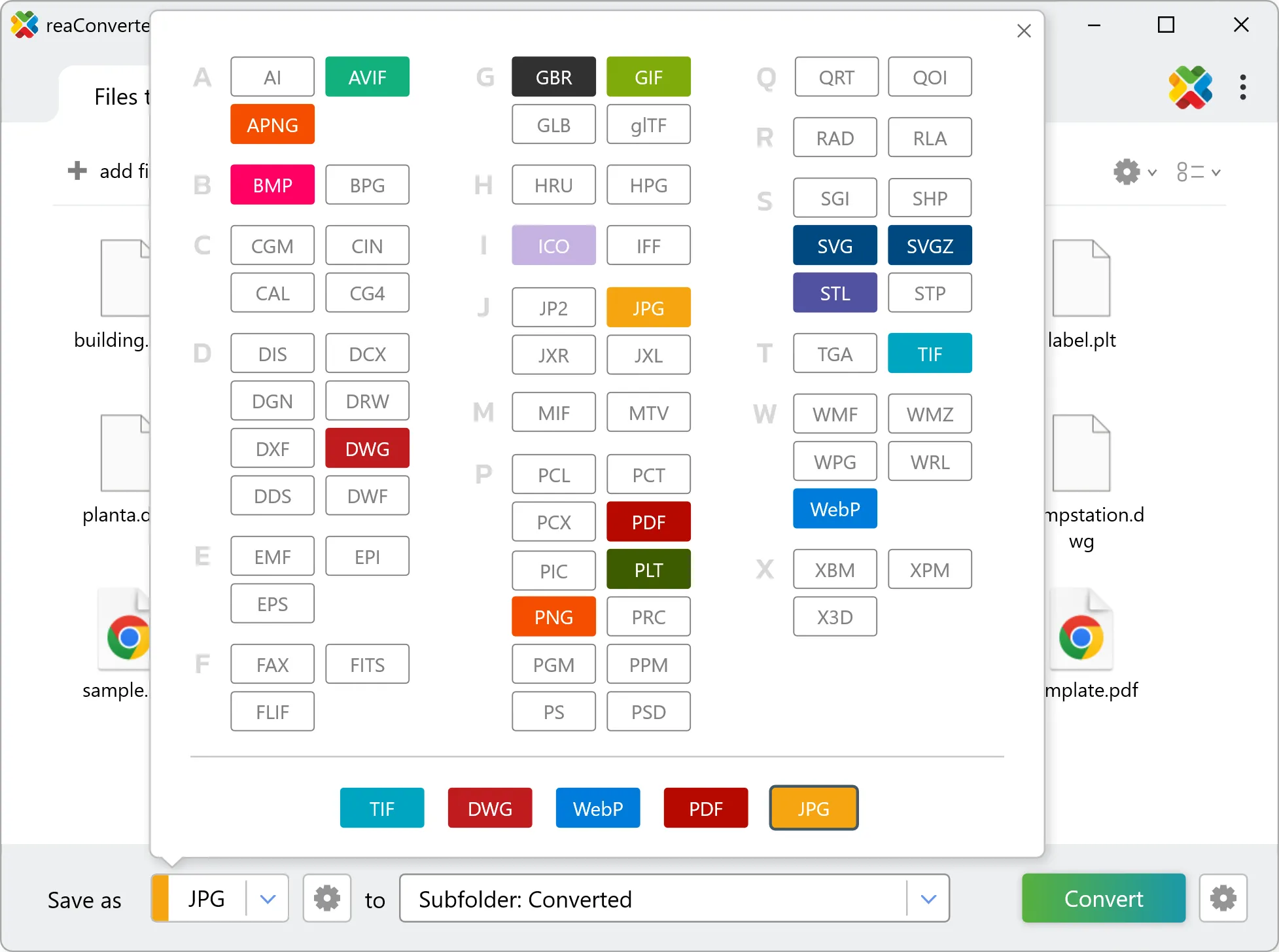
Select DXF from the output format list and set your destination folder. You can also adjust quality and compression settings.

Select DXF as output format

4. Start QRP to DXF conversion

Start the conversion with one click. reaConverter handles everything and notifies you when it's done.

Start Conversion

When the batch finishes, your DXF files are ready in the destination folder you chose earlier.

Step by step

How It Works

reaConverter offers the fastest, simplest solution for converting your QRP files into DXF in seconds - all files processed on your PC for maximum privacy and speed.

Deep Customization

Do more with your files

Converting QRP files for use in a workflow? reaConverter offers many ways to process files, so you can customize them according to your requirements.

Our range of editing options includes auto-processing options such as auto-rotate, auto-crop, watermarking and more. Change Color Space, copy Metadata, set DPI, manage ICC Profile, control Bit Depth.

Image editing

User reviews

What people say after the first batch

Average User Rating:4.8
Last updated on November 02, 2026
I can't begin to describe the hours I wasted trying to convert DXF to DWG online—it was pure time theft! When my boss handed me a flash drive demanding instant batch conversion (way outside my usual work), I suffered through two days of upload/download hell. A forum suggestion changed everything: reaConverter automated the entire process. Ten minutes later? Mission accomplished!
Keisha Powell
Keisha Powell
Satisfied Customer
I had to convert hundreds of DXF files to PDF for a client review, and reaConverter did it in a flash. The quality was excellent – even complex 3D wireframes rendered clearly. The batch processing is a lifesaver when deadlines are tight.
Jonathan Kim
Jonathan Kim
CAD Technician
The trial version convinced me immediately — its set-and-forget DXF to JPG conversion allows me to multitask efficiently. Rare to find software this intuitive yet powerful.
Michael W.
Michael W.
Satisfied Customer
I run a CNC machining shop, and clients send me DXF files all the time. reaConverter converts them to G‑code‑friendly formats with perfect accuracy. No more manual tweaking – the toolpath matches the drawing every time. Saves me hours of rework.
Carlos M.
Carlos M.
CNC Operator
My laser engraver only accepts DXF, but my designs come in AI and SVG. reaConverter handles the conversion seamlessly – and preserves all the paths and cut lines. I've processed over 500 designs with zero failures. Absolutely indispensable.
Elena Petrova
Elena Petrova
Satisfied Customer
This developer deserves industry recognition. What used to take hours in AutoCAD — converting 300+ DXFs to client-ready PDFs — now completes during a coffee break. Game-changing efficiency.
Christopher Rodriguez
Satisfied Customer

FAQ

QRP to DXF Conversion

Can reaConverter convert QRP to DXF?

Yes! reaConverter instantly converts .qrp to .dxf with perfect quality preservation. With its batch processing feature, you can convert multiple files at once in just a few clicks. You can even convert QRP files directly from Windows Explorer using the right-click menu — fast and convenient.

Can I convert QRP to DXF online?

If you only need to convert a few QRP files to DXF format, feel free to try our free online free online QRP to DXF converter — perfect for small batches with no installation needed!

How can I turn QRP files into DXF on my computer?

The best way to change QRPs to DXFs on your PC is to install a quality piece of software, such as reaConverter. This software is extremely efficient in managing a wide range of batch files conversions, including conversion from QRP to DXF.

How can I automate QRP to DXF files conversion?

reaConverter supports all the most useful automation features such as right-click сonversion and Watch Folders for the most efficient automated files conversion in any software of this type.

Is there a way to convert QRP files to DXF using the command prompt?

reaConverter provides full access to all its features via Windows command line, including a high-performance command-line qrp to dxf converter for batch processing.

What else can I do with reaConverter?

Change format settingsCopy metadata (EXIF, IPTC)Vectorize imagesSet bit depthConvert GIS files

Related conversions

Other ways to convert QRP files, and other sources that convert to DXF.
Discover More

Beyond format conversion

Batch conversion, editing, and processing across 800+ formats, from RAW and HEIC to DICOM, DWG, and PDF. Everything runs locally, with no cloud and no upload limits.

Free trial · Windows 10/11 · v8.0.262 · Files never leave your computer

reaConverter software