FAQ
RTF to PSD Conversion
What are RTF files?
RTF (Rich Text Format) is a document format that was created by Microsoft in 1987 so that formatted text could be moved between different programs and computers. An RTF file stores the text with bold and italic letters, fonts, colors, paragraphs, lists, tables, and pictures, and almost every word processor can open it, on Windows, Mac, or Linux. It is simpler and less capable than DOCX, so it is used for exchanging letters, resumes, and text with basic formatting between programs.
What are PSD files?
PSD is the default format for handling images using Adobe Photoshop and it represents a layered image file. PSDs allow later editing of available layers, including transparency, masks, alpha channels and texts, among others. After applying all desired editing, PSD files can be saved in Photoshop under more easily recognizable formats, such as JPEG or PNG, which are also smaller in size but flatten the image and hence do not allow later editing of layers.
Can reaConverter convert RTF to PSD?
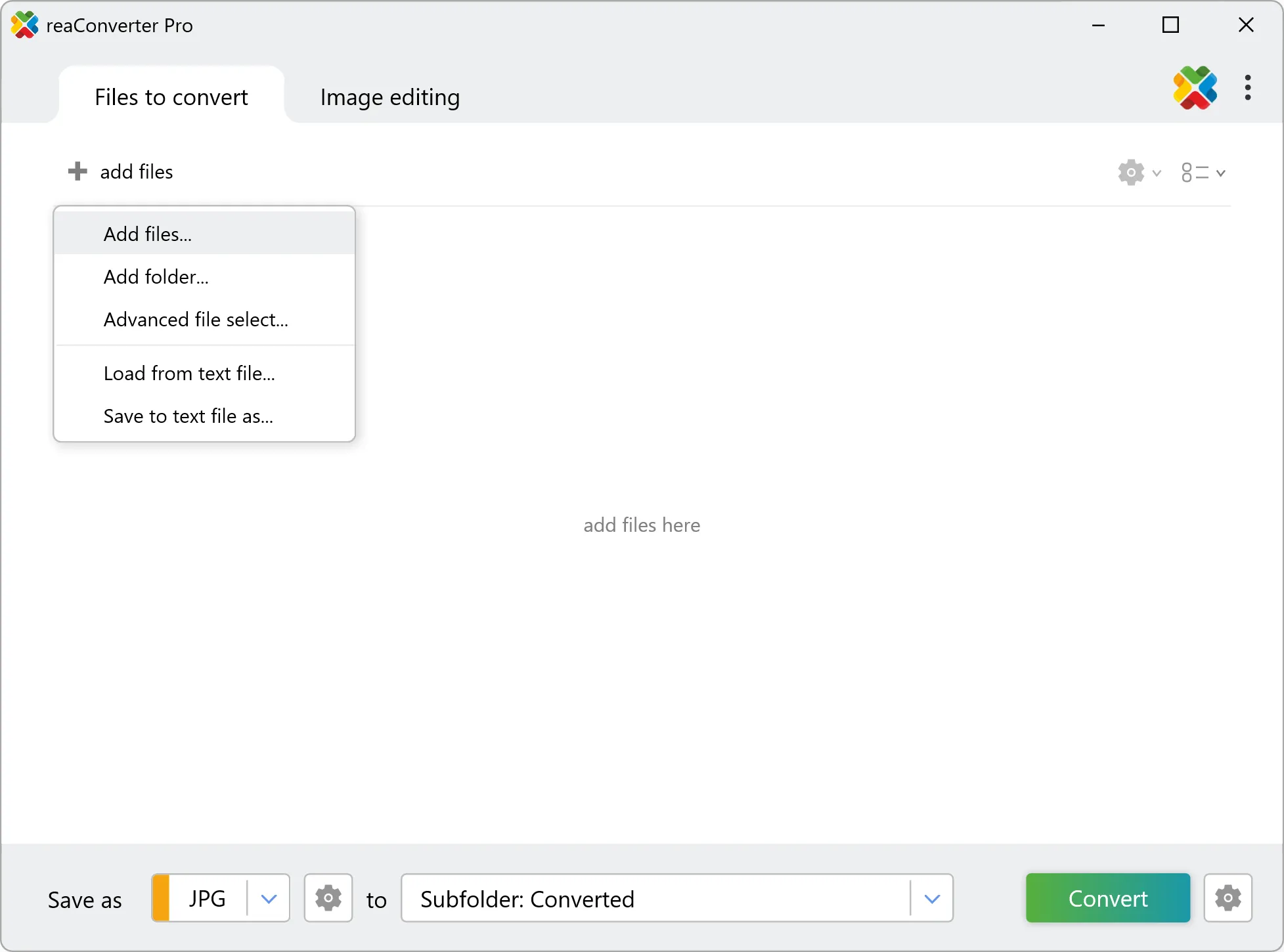
Yes! reaConverter instantly converts .rtf to .psd with perfect quality preservation. With its batch processing feature, you can convert multiple files at once in just a few clicks. You can even convert RTF documents directly from Windows Explorer using the right-click menu — fast and convenient.
Why choose offline conversion with reaConverter?
reaConverter is a software program that is used for offline files conversion. Your proprietary documents never leave your computer – essential for architects, engineers, healthcare and government contractors handling classified projects. Meets GDPR, HIPAA, CCPA, and corporate security policies by ensuring files never cross borders or third-party systems.
Can I convert RTF to PSD in my browser?
Yes — with our free web-based RTF to PSD converter, you can convert .rtf files instantly, right in your browser. No installation, no uploads — perfect for quick, local conversions. reaConverter Web never stores or shares any data uploaded by users, ensuring complete privacy and security for all file conversions.
How can I turn RTF files into PSD on my computer?
The best way to change RTFs to PSDs on your PC is to install a quality piece of software, such as reaConverter. This software is extremely efficient in managing a wide range of batch files conversions, including conversion from RTF to PSD.
How can I automate RTF to PSD files conversion?
reaConverter supports all the most useful automation features such as right-click сonversion and Watch Folders for the most efficient automated files conversion in any software of this type.
Is there a way to convert RTF files to PSD using the command prompt?
reaConverter provides full access to all its features via Windows command line, including a high-performance command-line rtf to psd converter for batch processing.
What else can I do with reaConverter?
Convert Gerber imagesConvert picture color spaceConvert vector imagesChange image DPIConvert whole-slide images
Related conversions
Other ways to convert RTF files, and other sources that convert to PSD.