How to Convert Multiple .xim Files to .obj?
1. Download and Install reaConverter
reaConverter is a standalone Windows app — download, install, and start converting XIM files in under two minutes.

2. Load your XIM files
Open reaConverter and import your .xim files. No file limits, no slowdowns. Add as many as you need.
Drag files into the window, use the Add Files button, or select entire folders.

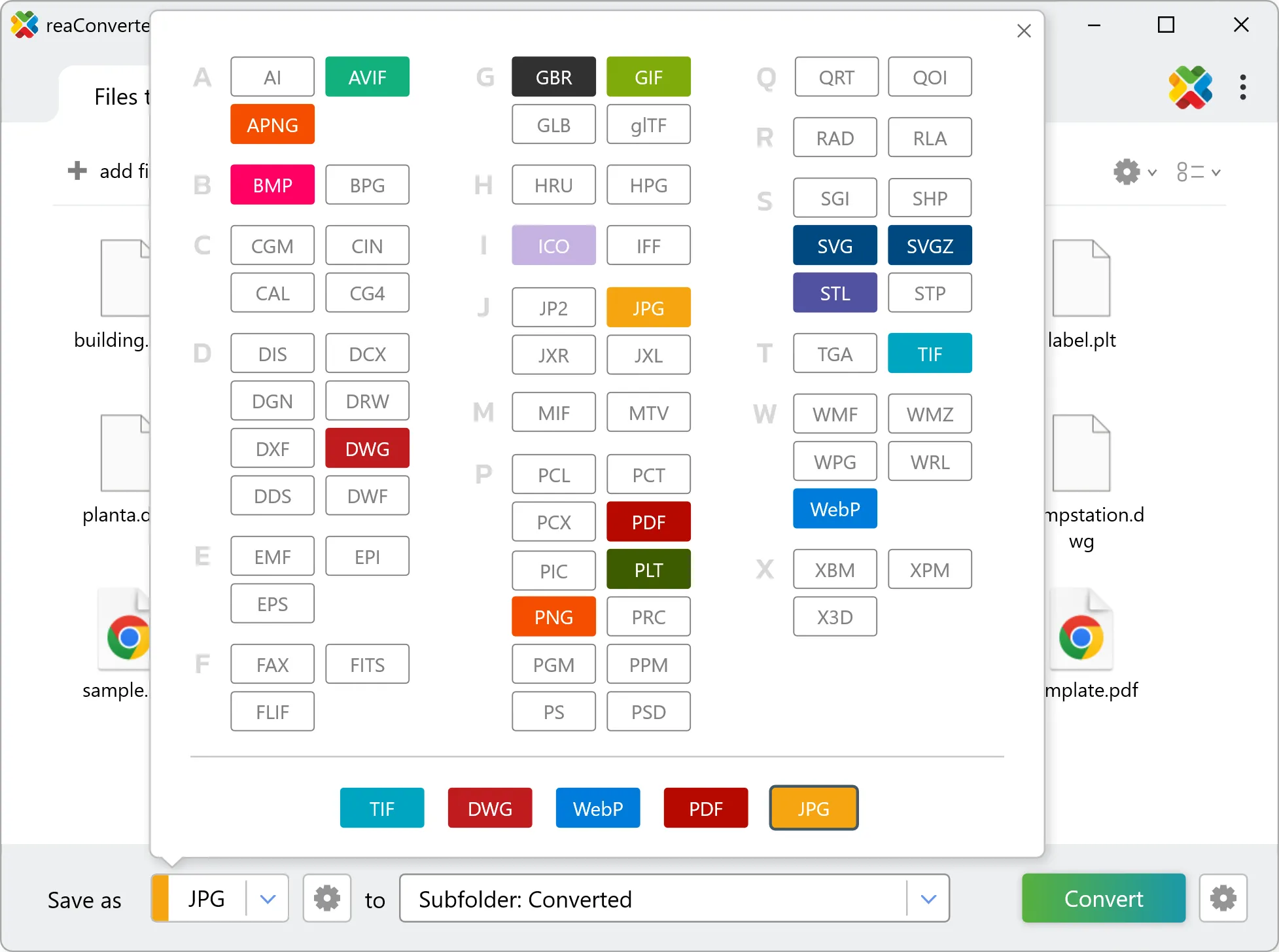
3. Select OBJ as output format
Select OBJ as target format and pick where to save results. You can keep default settings or fine-tune the output.
4. Start XIM to OBJ conversion
Hit Convert to process your files. The log window shows progress, timing, and status for every file.

Conversion complete? Your OBJ files are saved to the destination folder, ready to use.