100% Secure & Private
PKM Converter
PKM conversion in your browser, free and unlimited. Files never leave your machine. reaConverter for Windows handles the other 800+ formats in batch.


How to Convert .pkm Images in Bulk
1. Install reaConverter

2. Select PKM Files

3. Start Conversion
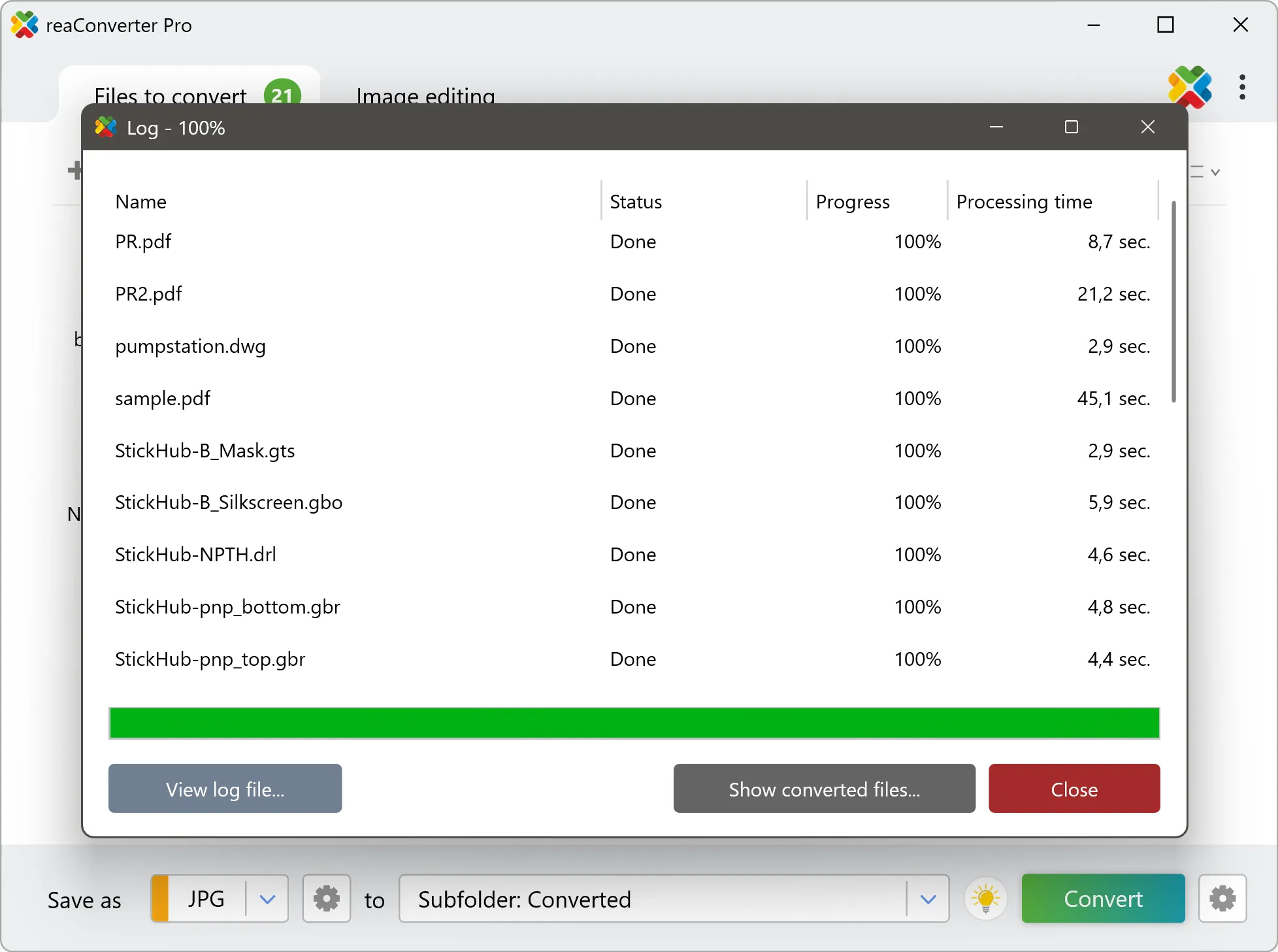
Step by step
See It in Action
For quick and effortless PKM file handling on your PC, reaConverter offers powerful conversion tools with batch processing. Best of all, it works entirely offline — ensuring your sensitive data never leaves your computer.
Edit & Enhance
Do more with your images
Converting PKM images for use in a workflow? Touch up, transform, apply editing and effects to your images during conversion.
Our range of editing options includes such image processing actions as Resize, Rotate, Crop, Color Replace, Watermarks and more. Adjust actions include RGB, HLS, HSV, Brightness and Contrast. Auto-processing options are also available, such as auto-rotate and auto-crop.

User reviews
From those who tried it
Average User Rating:Last updated on August 26, 2026





Questions & Answers
PKM images: Frequently Asked Questions
What are PKM files?
PKM (Packed Texture File) is a minimal binary GPU texture format created by Ericsson to encapsulate single-level textures compressed with ETC1 or ETC2 block compression algorithms.
Structurally, a PKM file consists of a compact 16-byte big-endian binary header immediately followed by a contiguous stream of 64-bit (8-byte) or 128-bit (16-byte) compressed 4×4 texel blocks. The header begins with the 4-byte ASCII signature "PKM " and a 2-byte version string ("10" for ETC1 or "20" for ETC2), followed by a 16-bit texture format enum (distinguishing ETC1_RGB_NO_MIPMAPS, ETC2_RGB_NO_MIPMAPS, ETC2_RGBA_NO_MIPMAPS, ETC2_RGB_A1_NO_MIPMAPS, and R11/RG11 variants), padded block dimensions, and original unpadded pixel width and height.
For asset editing, inspection, or standard image workflows, PKM files can be decoded into uncompressed raster formats such as PNG, TGA, or BMP. Supported by Android SDK's etc1tool, ARM Mali Texture Compression Tool, Imagination PVRTexTool, OpenGL ES 2.0/3.0+, and mobile game engines.
Can reaConverter open PKM files?
reaConverter fully supports the PKM image format – open, edit, and export PKM files to any other popular file format with ease.
How do I change PKM to another format?
reaConverter is a user-friendly tool for converting PKM files. Once installed on your computer, it allows you to convert all your .pkm files at once with just a few clicks. You can even convert PKM images directly from Windows Explorer using the right-click menu — fast and convenient.
Can I convert PKM online?
If you only want to convert a few PKM images, you are welcome to try our free online PKM converter.
How can I turn PKM files on my computer to another format?
The best way to convert PKM images on your PC is to get a quality piece of software, such as reaConverter. This software is extremely efficient in managing a wide range of batch files conversions, including conversion from PKM.
How can I automate PKM files conversion?
reaConverter supports all the essential automation features, such as right-click сonversion and Watch Folders, for the most efficient automated file conversion in any software of its kind.
Can I convert PKM files using scripts or the command-line interface?
reaConverter provides full access to all its features from the Windows command-line shell, including the command-line pkm converter.
What else can I do with reaConverter?
Convert CAD formatsSet file dateConvert microscopy filesChange picture sizeConvert raster to vector
What formats can I convert a PKM file to?
Discover More
Beyond PKM conversion
Convert .pkm files in batches of any size, with editing and processing applied along the way. The same tool also handles 800+ other formats, including CAD, medical imaging, and GIS.
