FAQ
PKM to STL Conversion
What are PKM files?
PKM is a lightweight GPU-compressed texture file developed by Ericsson for storing images encoded with Ericsson Texture Compression (ETC1 and ETC2). Used extensively in Android, OpenGL ES, and mobile game development, a PKM file stores a single 2D texture surface in fixed-rate 4×4 pixel blocks designed for fast hardware decompression directly on mobile GPUs without CPU overhead. Because raw PKM files do not natively bundle mipmap chains or alpha transparency in ETC1, developers often store separate alpha masks or wrap ETC payloads inside KTX containers for complex multi-level assets.
What are STL files?
STL is the proprietary format for a computer-aided design (CAD) program developed by 3D Systems. STL is an acronym for Stereolitography, which is a type of technology used for creating prototypes or patterns through 3D printing. An STL file contains a surface representation of such a model, without detailed specifications of aspects such as colours. STL files can only be opened with a limited number of programs.
Can reaConverter convert PKM to STL?
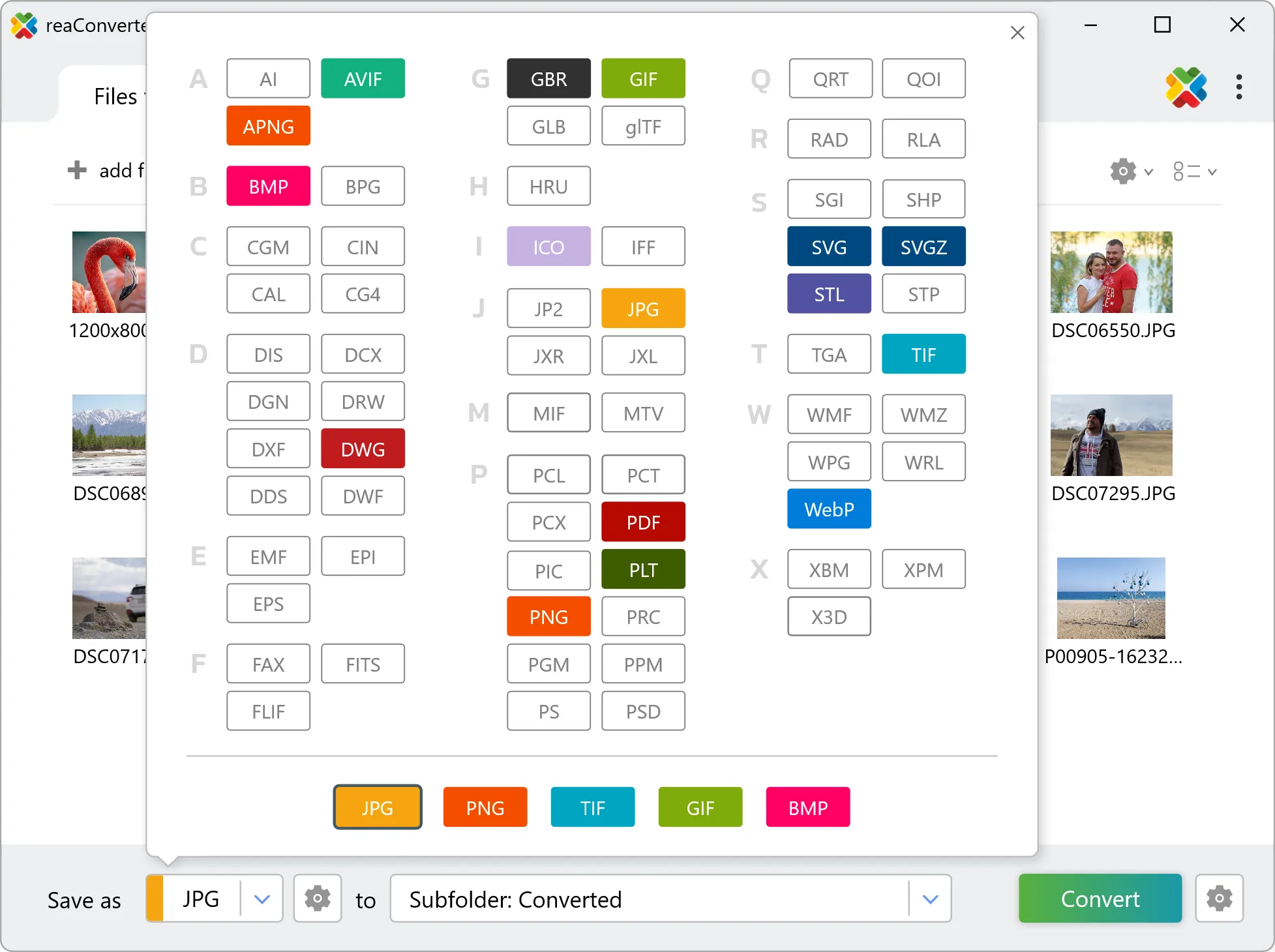
Yes! reaConverter instantly converts .pkm to .stl with perfect quality preservation. With its batch processing feature, you can convert multiple files at once in just a few clicks. You can even convert PKM images directly from Windows Explorer using the right-click menu — fast and convenient.
What is reaConverter used for?
reaConverter is a Windows converter for 800+ formats, 3D models among them. For PKM to STL it replaces the round trip through Blender, a CAD program or an upload form: add the files, pick the output format, and the whole batch converts offline. Engineers, 3D printing shops and product teams use it to move models between CAD, printing, web and documentation formats.
Why choose offline conversion with reaConverter?
reaConverter is a software program that is used for offline files conversion. Your proprietary documents never leave your computer – essential for architects, engineers, healthcare and government contractors handling classified projects. Meets GDPR, HIPAA, CCPA, and corporate security policies by ensuring files never cross borders or third-party systems.
Can I convert PKM to STL online?
If you only need to convert a few PKM files to STL format, feel free to try our free online free online PKM to STL converter — perfect for small batches with no installation needed!
How can I turn PKM files into STL on my computer?
The best way to change PKMs to STLs on your PC is to install a quality piece of software, such as reaConverter. This software is extremely efficient in managing a wide range of batch files conversions, including conversion from PKM to STL.
How can I automate PKM to STL files conversion?
reaConverter supports all the most useful automation features such as right-click сonversion and Watch Folders for the most efficient automated files conversion in any software of this type.
Is there a way to convert PKM files to STL using the command prompt?
reaConverter provides full access to all its features via Windows command line, including a high-performance command-line pkm to stl converter for batch processing.
What else can I do with reaConverter?
Change format settingsCopy metadata (EXIF, IPTC)Convert PDF filesWatermark pictureConvert CAD formats
Related conversions
Other ways to convert PKM files, and other sources that convert to STL.